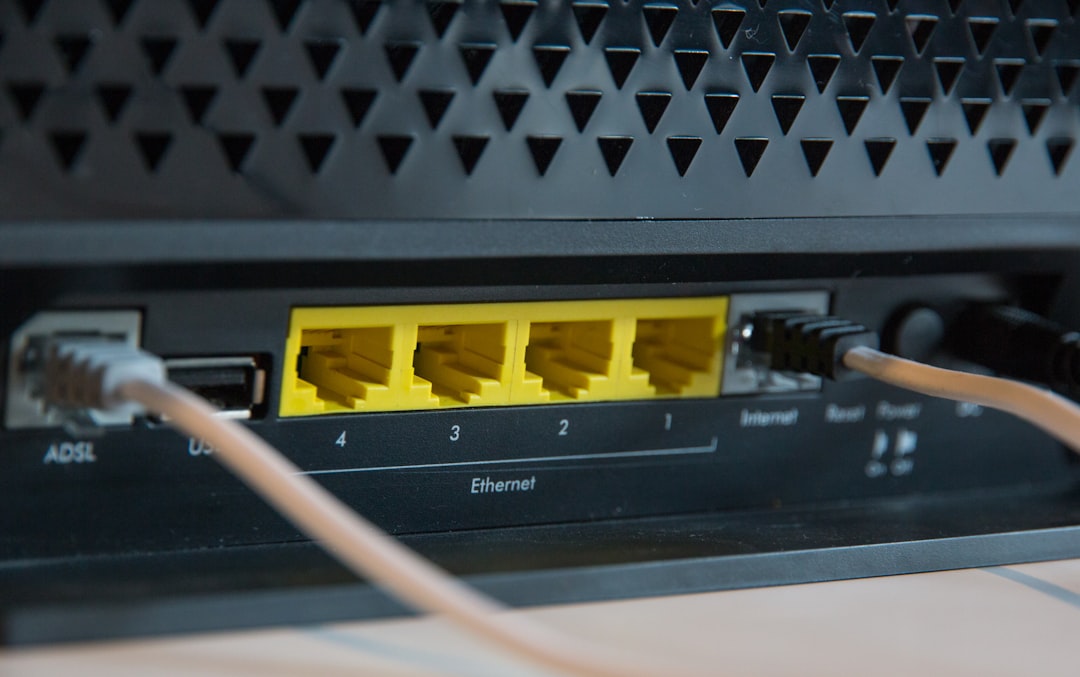
I spent my entire Saturday staring at a Wireshark capture that made absolutely no sense. A client’s edge gateway—a standard piece of prosumer hardware they bought last year—was silently blasting out thousands of HTTPS requests a minute to random login pages. The CPU was pinned at 98%. The web interface was completely unresponsive.
Well, that’s not entirely accurate — I actually had to physically pull the plug just to get it to stop talking to the internet.
And we treat networking gear like microwaves, don’t we? You plug it in, configure the Wi-Fi password, and shove it into a closet. But that little plastic box is a full Linux server sitting directly on the public internet. Lately, I’ve seen a massive spike in these edge devices getting hijacked. Attackers aren’t trying to steal your local files anymore. They want your IP address.
They turn these routers into residential proxies to mask their own traffic. When they launch credential stuffing attacks against banks or streaming services, the traffic looks like it’s coming from a normal residential neighborhood. Security systems let it right through.
The Anatomy of a Hijacked Gateway
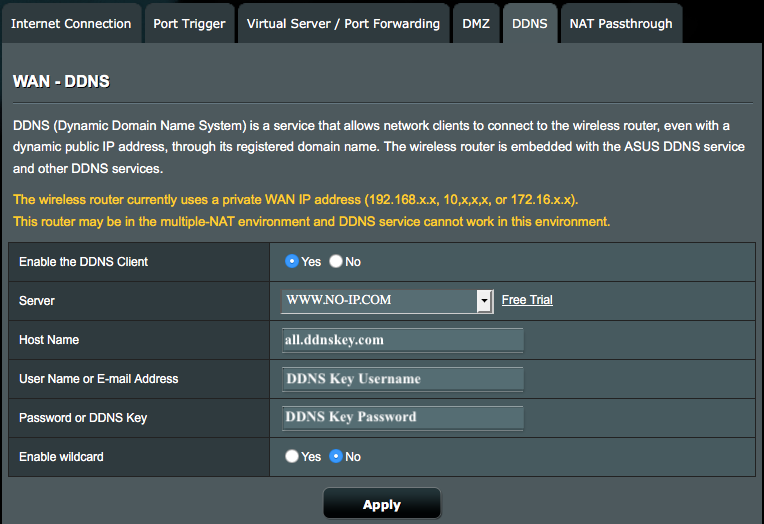
This specific box was running an older ARM Cortex-A9 chip. And when I finally managed to SSH into it via recovery mode, the logs were flooded with out of memory: kill process messages. The tiny 256MB RAM chip couldn’t handle the connection tracking table filling up from the proxy connections.
I found a weird binary sitting in /tmp/kworker_net. It was small — barely 45KB. But it was routing about 320,000 proxy requests an hour through my client’s gigabit fiber connection.
The most frustrating part is that the vulnerability wasn’t some highly sophisticated zero-day exploit. The client had simply left remote management enabled on port 8080 because they thought they might need to check their network while traveling. A bot scanned the IP, brute-forced the admin password (which was “Admin2025!” by the way), and dropped a payload directly into memory.
Actually, let me back up — most of these boxes run heavily modified, ancient Linux kernels. You’ll SSH in and find a 3.10 kernel from a decade ago. The vendors backport security fixes occasionally, but the userland tools are usually a mess of proprietary binaries linked against old C libraries. When a botnet infects one of these, it doesn’t even need root persistence on the flash storage. It just runs in RAM. That’s why rebooting temporarily fixes the symptom. But within ten minutes of coming back online, the automated scanners find the open port again and re-infect the device.
Locking Down the Edge
I refuse to deploy any edge device now without immediately locking down the management interfaces and setting up aggressive drop rules. You cannot rely on the manufacturer’s default firewall settings. They optimize for fewer customer support calls, which means they leave way too many services exposed.
And if you are running something like OpenWrt (I’m currently standardizing on version 23.05.2 for my custom builds), you need to explicitly reject WAN input for everything except the specific VPN ports you actually use.
Here is the snippet I drop into /etc/config/firewall before the device ever touches a live modem:
config rule
    option name 'Block-WAN-Admin'
    option src 'wan'
    option dest_port '80 443 22 8080'
    option proto 'tcp'
    option target 'DROP'

config rule
    option name 'Limit-ICMP-Echo'
    option src 'wan'
    option proto 'icmp'
    option icmp_type 'echo-request'
    option limit '1/sec'
    option target 'ACCEPT'
It takes two minutes. Just do it. If you need remote access, run a WireGuard tunnel on a non-standard UDP port. Never expose a web UI to the public internet. The web servers running on these routers are notoriously buggy and prone to buffer overflows.
Probably, I don’t see this getting better anytime soon. By early 2027, I expect major ISPs will be forced to implement strict outbound filtering on residential lines just to cope with the sheer volume of proxy traffic originating from compromised home routers. The hardware vendors certainly aren’t fixing it fast enough. They ship a product, maybe release two firmware updates if you are lucky, and then abandon it to work on the next model.
And check your router’s uptime today. If it’s been running for 400 days without a reboot or a firmware update, you are probably already part of someone else’s proxy network. Go pull the plug and flash the firmware.