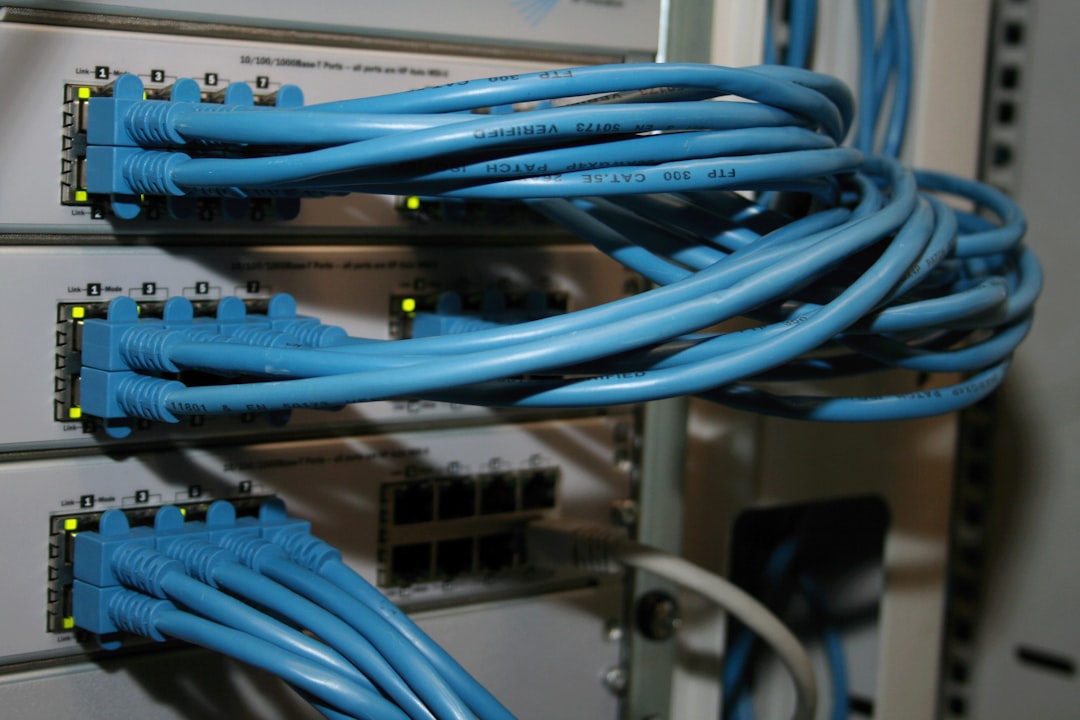
In the world of modern IT, the ground is constantly shifting. The rigid, hardware-defined architectures of the past are giving way to flexible, software-centric paradigms. At the heart of this transformation lies Network Virtualization (NV), a technology that fundamentally decouples network resources from the underlying physical hardware. This abstraction is not just an incremental improvement; it is the foundational pillar supporting today’s cloud computing, agile DevOps workflows, and the push towards fully autonomous networks.
By transforming hardware-based functions like routing, switching, and firewalling into software, Network Virtualization provides unprecedented agility, scalability, and automation. It allows a Network Engineer or System Administration professional to create, modify, and dismantle complex network topologies in minutes, a process that once took weeks of physical cabling and manual configuration. This article dives deep into the core concepts of Network Virtualization, explores its implementation through Software-Defined Networking (SDN) and NFV, and provides practical examples to illustrate its power. We’ll uncover how this technology is not just changing data centers, but also enabling new ways of working, empowering a Digital Nomad to manage a global infrastructure from anywhere in the world.
Understanding the Core Concepts of Network Virtualization
At its essence, Network Virtualization is about creating logical, or “virtual,” networks that can run independently over a shared physical network infrastructure. Think of it like server virtualization (e.g., VMware, KVM), but for the entire network. Instead of being constrained by physical Network Devices like Routers and Switches, you can programmatically define network segments, security policies, and traffic flows in software. This is a cornerstone of modern Network Architecture and Network Design.
From VLANs to VXLANs: The Evolution of Segmentation
The earliest form of network virtualization is the Virtual LAN (VLAN). VLANs allow administrators to segment a single physical switch into multiple isolated broadcast domains. This is crucial for Network Security and traffic management. Devices on VLAN 10 cannot directly communicate with devices on VLAN 20, even if they are connected to the same physical switch. This segmentation is achieved by adding a “tag” to the Ethernet frame header, as defined by the IEEE 802.1Q Network Standards.
While effective, VLANs have a significant limitation: the 12-bit VLAN ID field allows for only 4,094 unique VLANs. In a massive multi-tenant Cloud Networking environment, this is insufficient. This limitation led to the development of Virtual Extensible LAN (VXLAN), a network overlay protocol. VXLAN encapsulates Layer 2 Ethernet frames within Layer 4 UDP packets, using a 24-bit VXLAN Network Identifier (VNI). This expands the number of possible isolated networks to over 16 million, making it ideal for the massive scale of modern data centers.
Here’s a practical example using Python’s Scapy library to construct an 802.1Q packet, demonstrating how a VLAN tag is added to an Ethernet frame. This type of Network Programming is essential for testing and Network Troubleshooting.
# This Python script uses the Scapy library to build a packet with a VLAN tag.
# Make sure you have Scapy installed: pip install scapy

from scapy.all import Ether, Dot1Q, IP, ICMP, sendp

def create_vlan_ping(target_ip, vlan_id, iface="eth0"):
    """
    Creates and sends an ICMP Echo Request (ping) packet over a specific VLAN.

    Args:
        target_ip (str): The destination IP address.
        vlan_id (int): The VLAN ID to tag the packet with.
        iface (str): The network interface to send the packet from.
    """
    print(f"Crafting ICMP packet for {target_ip} on VLAN {vlan_id} via {iface}...")

    # Create the packet layers from the inside out
    # 1. ICMP layer (the "ping")
    # 2. IP layer (using IPv4 addressing)
    # 3. Dot1Q layer (the VLAN tag)
    # 4. Ethernet layer (the physical frame)
    packet = Ether() / Dot1Q(vlan=vlan_id) / IP(dst=target_ip) / ICMP()

    print("Packet summary:")
    packet.show()

    # Send the packet at Layer 2
    sendp(packet, iface=iface, verbose=False)
    print("Packet sent successfully.")

if __name__ == "__main__":
    # Example usage: Ping 192.168.1.100 on VLAN 101
    # Note: This requires root/admin privileges to send raw packets.
    # The physical switch port connected to 'eth0' must be configured
    # as a trunk port that allows VLAN 101.
    create_vlan_ping(target_ip="192.168.1.100", vlan_id=101, iface="eth0")
Implementation: SDN and Network Functions Virtualization (NFV)
Network Virtualization is most powerfully realized through two complementary technologies: Software-Defined Networking (SDN) and Network Functions Virtualization (NFV). Together, they form the operational backbone of modern, automated networks.

Software-Defined Networking (SDN): Centralizing Network Intelligence
SDN fundamentally changes Computer Networking by separating the network’s control plane from its data plane. In traditional networking, every switch and router makes its own decisions about where to forward traffic (a distributed control plane). In SDN, the “intelligence” is moved to a centralized software component called the SDN controller. The controller has a global view of the network and can make optimal decisions, pushing forwarding rules down to the switches (the data plane) via a southbound API like OpenFlow.
This centralized control enables powerful Network Automation and programmability through a northbound REST API or other Network APIs. Developers and administrators can write applications that interact with the controller to dynamically manage network traffic, implement complex security policies, or optimize for Network Performance.
Below is a simple Layer 2 learning switch implemented using the Ryu SDN controller framework in Python. This application tells an OpenFlow-enabled switch how to behave like a standard switch by learning MAC addresses.
# This is a simple L2 learning switch application for the Ryu SDN Controller.
# Save this file as simple_switch_l2.py and run it with `ryu-manager simple_switch_l2.py`
# You'll need a virtual network environment like Mininet to test it.

from ryu.base import app_manager
from ryu.controller import ofp_event
from ryu.controller.handler import CONFIG_DISPATCHER, MAIN_DISPATCHER
from ryu.controller.handler import set_ev_cls
from ryu.ofproto import ofproto_v1_3
from ryu.lib.packet import packet
from ryu.lib.packet import ethernet

class SimpleSwitchL2(app_manager.RyuApp):
    OFP_VERSIONS = [ofproto_v1_3.OFP_VERSION]

    def __init__(self, *args, **kwargs):
        super(SimpleSwitchL2, self).__init__(*args, **kwargs)
        # mac_to_port table stores MAC address to port mappings for each switch
        self.mac_to_port = {}

    @set_ev_cls(ofp_event.EventOFPSwitchFeatures, CONFIG_DISPATCHER)
    def switch_features_handler(self, ev):
        datapath = ev.msg.datapath
        ofproto = datapath.ofproto
        parser = datapath.ofproto_parser

        # Install table-miss flow entry
        # When a packet doesn't match any flow, send it to the controller
        match = parser.OFPMatch()
        actions = [parser.OFPActionOutput(ofproto.OFPP_CONTROLLER,
                                          ofproto.OFPCML_NO_BUFFER)]
        self.add_flow(datapath, 0, match, actions)

    def add_flow(self, datapath, priority, match, actions):
        ofproto = datapath.ofproto
        parser = datapath.ofproto_parser
        inst = [parser.OFPInstructionActions(ofproto.OFPIT_APPLY_ACTIONS, actions)]
        mod = parser.OFPFlowMod(datapath=datapath, priority=priority,
                                match=match, instructions=inst)
        datapath.send_msg(mod)

    @set_ev_cls(ofp_event.EventOFPPacketIn, MAIN_DISPATCHER)
    def _packet_in_handler(self, ev):
        msg = ev.msg
        datapath = msg.datapath
        ofproto = datapath.ofproto
        parser = datapath.ofproto_parser
        in_port = msg.match['in_port']

        pkt = packet.Packet(msg.data)
        eth = pkt.get_protocols(ethernet.ethernet)[0]

        dst = eth.dst
        src = eth.src

        dpid = datapath.id
        self.mac_to_port.setdefault(dpid, {})

        # Learn the MAC address to avoid FLOOD next time.
        self.mac_to_port[dpid][src] = in_port

        if dst in self.mac_to_port[dpid]:
            out_port = self.mac_to_port[dpid][dst]
        else:
            # If destination MAC is unknown, flood the packet to all ports
            out_port = ofproto.OFPP_FLOOD

        actions = [parser.OFPActionOutput(out_port)]

        # Install a flow to avoid packet_in next time
        if out_port != ofproto.OFPP_FLOOD:
            match = parser.OFPMatch(in_port=in_port, eth_dst=dst)
            self.add_flow(datapath, 1, match, actions)

        data = None
        if msg.buffer_id == ofproto.OFP_NO_BUFFER:
            data = msg.data

        out = parser.OFPPacketOut(datapath=datapath, buffer_id=msg.buffer_id,
                                  in_port=in_port, actions=actions, data=data)
        datapath.send_msg(out)
Network Functions Virtualization (NFV): Liberating Network Services
NFV complements SDN by virtualizing network functions that have traditionally run on dedicated hardware appliances. This includes services like Firewalls, Load Balancing systems, DNS servers, and Intrusion Detection Systems (IDS). With NFV, these become Virtual Network Functions (VNFs) that can be run as virtual machines or containers on standard commodity servers. This drastically reduces capital expenditure and increases operational agility. A DevOps Networking team can spin up a new virtual firewall and load balancer for a microservice in seconds using an automation script.
Here is a docker-compose.yml file that defines a virtual network and deploys two services: a web server (Nginx) and a simple application. This demonstrates how containerization platforms use network virtualization to create isolated environments for Microservices.
# This docker-compose file defines a multi-container application with a custom virtual network.
# Run `docker-compose up` in the same directory as this file.

version: '3.8'

# Define the services (containers) that make up the app
services:
  webapp:
    image: 'nginx:latest'
    ports:
      - "8080:80" # Map host port 8080 to container port 80
    volumes:
      - ./website:/usr/share/nginx/html # Mount a local folder for web content
    networks:
      - app-net # Connect this service to our custom network

  api:
    image: 'python:3.9-slim'
    command: 'python -m http.server 8000' # A simple python web server as an API
    networks:
      - app-net # Also connected to the same network

# Define the custom network
networks:
  app-net:
    driver: bridge # Use the standard bridge driver for a private, isolated network
    ipam:
      driver: default
      config:
        - subnet: 172.28.0.0/16 # Define the subnet for our virtual network using CIDR notation
Advanced Techniques and The Future of Network Operations
The combination of NV, SDN, and NFV unlocks advanced capabilities that are reshaping how we manage and secure networks. One of the most significant impacts is the rise of hyper-automation and the move towards “invisible” infrastructure.
Network Automation and Infrastructure as Code (IaC)
With a programmable network, the entire Network Design can be defined in code. Tools like Ansible, Terraform, and Pulumi allow engineers to provision and configure virtual networks, security groups, and routing policies using simple, declarative files. This Infrastructure as Code (IaC) approach is a core tenet of DevOps, ensuring consistency, repeatability, and version control for network configurations.

The following Ansible playbook automates the configuration of two VLANs on a Cisco IOS switch. This is a classic Network Administration task, now fully automated.
# This Ansible playbook configures VLANs on a Cisco IOS device.
# Requires the `cisco.ios.ios_vlans` collection.

- name: Configure VLANs on a Core Switch
  hosts: core-switch-01
  gather_facts: false
  connection: network_cli

  tasks:
    - name: Ensure desired VLANs are configured
      cisco.ios.ios_vlans:
        config:
          - name: Users-VLAN
            vlan_id: 100
          - name: Servers-VLAN
            vlan_id: 200
            state: present # Ensure this VLAN exists
          - name: Legacy-VLAN
            vlan_id: 999
            state: absent # Ensure this VLAN is removed
        state: merged # Merge this configuration with the existing one
The “Dark NOC” and the Rise of Remote Network Management
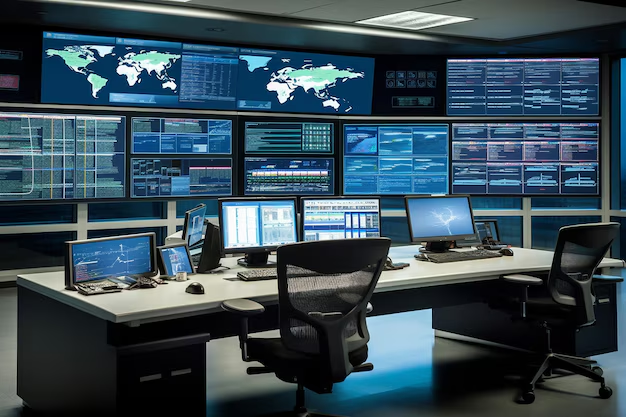
Historically, network management was centered in a physical Network Operations Center (NOC)—a room filled with large screens and engineers monitoring network status 24/7. Network Virtualization and automation are making this model obsolete. With centralized controllers, comprehensive Network Monitoring tools (like Prometheus and Grafana), and automated remediation scripts, the network can largely manage and heal itself. This leads to the concept of a “Dark NOC,” where human intervention is the exception, not the rule.
This paradigm shift has profound implications for how and where network professionals work. It enables true Remote Work, freeing a talented Network Engineer from being tied to a physical location. This is a game-changer for Travel Tech, as a professional can now manage a complex global network from a laptop in a different country, perhaps even while pursuing a passion like Travel Photography. The network is no longer a place you go to; it’s a resource you manage from anywhere with an internet connection.
Best Practices for a Virtualized World
While powerful, network virtualization introduces new challenges. Adhering to best practices is crucial for maintaining security and performance.
Security in a Zero-Trust Environment
In a virtualized network, traffic patterns change. A significant portion of traffic (known as “east-west” traffic) moves between virtual machines within the same data center, never crossing a traditional perimeter firewall. This requires a new security model. Micro-segmentation is a key technique where granular firewall policies are applied to individual workloads, creating a Zero-Trust environment where nothing is trusted by default. This prevents lateral movement by attackers if one workload is compromised.
Performance Monitoring and Troubleshooting
Troubleshooting in a virtual network can be complex because of the added layers of abstraction. It’s essential to have visibility into both the physical underlay and the virtual overlay. Tools for Packet Analysis like Wireshark remain indispensable, but they must be used on the correct virtual interfaces or capture points. Understanding key metrics like Bandwidth utilization and Latency between virtual nodes is critical. Modern monitoring solutions are designed to trace application paths across virtual and physical infrastructure, correlating performance data from all Network Layers of the OSI Model.
Conclusion: Building the Networks of Tomorrow
Network Virtualization is more than just a technology; it is a fundamental shift in how we design, build, and operate the digital infrastructure that powers our world. By abstracting network logic from physical hardware, it provides the agility, scalability, and programmability required by modern applications, from Cloud Networking and Microservices to Edge Computing. The move towards SDN, NFV, and comprehensive Network Automation has not only optimized IT operations but has also democratized network management, enabling skilled professionals to work more effectively and from anywhere.
As we move towards a future of autonomous networks, the principles of virtualization will become even more critical. For any Network Engineer, DevOps professional, or IT leader, mastering these concepts is no longer optional—it is the key to building the resilient, intelligent, and flexible networks of tomorrow. The next step is to get hands-on: set up a virtual lab using Mininet or GNS3, experiment with an SDN controller like Ryu or OpenDaylight, and start automating simple tasks with tools like Ansible. The software-defined journey has just begun.