


Actually, I should clarify — I spent last Tuesday crawling under a raised floor in a server room that smelled distinctly of ozone and burnt coffee, tracing a cable that shouldn’t have been there. It’s 2026. We have AI that can generate video from text, quantum-resistant encryption standards, and self-healing networks. And yet, here I am, still finding industrial Ethernet switches with web interfaces that have the security posture of a wet paper bag.
If you work in OT (Operational Technology) or manage any kind of “hardened” network, you probably think your switches are just plumbing. You plug them in, configure a few VLANs, maybe set up port security if you’re feeling ambitious, and forget them. But recently, I’ve been seeing a resurgence of a vulnerability class that I thought we killed ten years ago: Frontend Authorization Logic Disclosure.
The “Dumb” Switch Myth
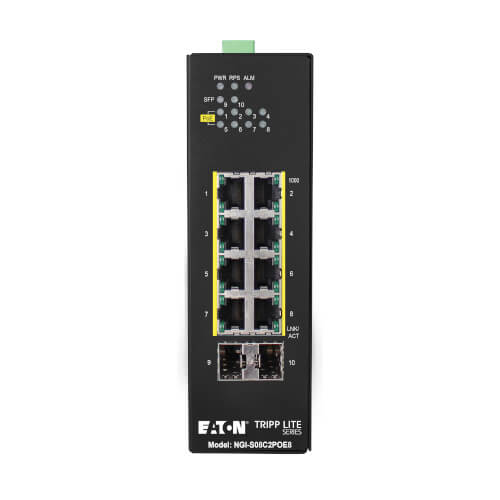
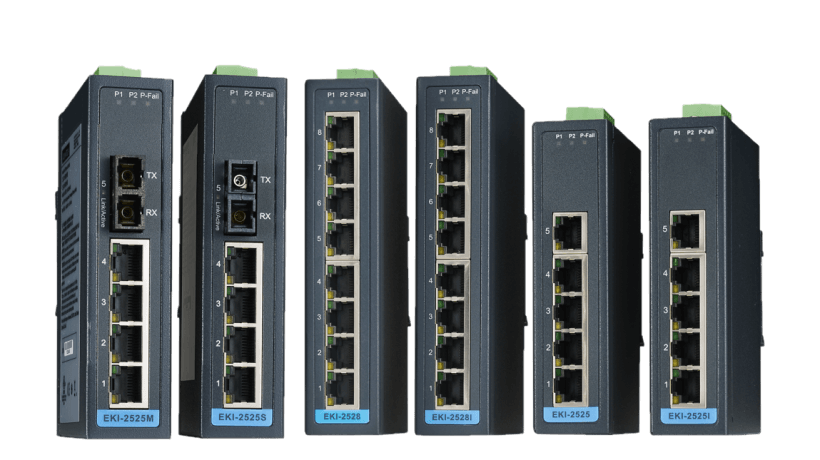
Here’s the thing that keeps me up at night. We treat switches like hardware infrastructure, but they are full-blown computers. A modern industrial switch—especially the managed ones used in manufacturing or critical infrastructure—is running a Linux kernel, a web server (usually something lightweight like lighttpd or nginx), and a whole stack of management scripts.
The problem isn’t the hardware; it’s the web management interface. Vendors love to slap a React or Vue.js frontend on these things to make them look modern. But often, the engineers building the firmware aren’t web security experts. They’re embedded systems engineers. And they make one fatal mistake: trusting the client.
I ran into this exact scenario during an audit in January. The client had a “secure” manufacturing zone. Air-gapped? Mostly. But the management plane for their switches was accessible from a jump box.
When the Browser Holds the Keys
The vulnerability I’m seeing pop up lately—and it’s plaguing multiple vendors right now—is embarrassingly simple. The switch’s web interface loads a JavaScript file that contains the logic for what a user is allowed to see. Instead of the server checking “Is this user an admin?” before sending sensitive data, the server sends everything, and the JavaScript hides the admin bits if you aren’t logged in as root.
This is effectively “security by CSS.”
I fired up Burp Suite Pro (version 2025.12, for those keeping score) and just watched the HTTP traffic. I didn’t even need to exploit a buffer overflow or crack a password. The switch literally sent me the authorization logic in plain text.
Here is a simplified version of what I found in a main.js file on a production switch last week. I’ve sanitized it, obviously, but the logic is identical:
// The server sends this config object to EVERY visitor
// regardless of authentication status
const userConfig = {
    "role": "guest",
    "features": {
        "vlan_config": false,
        "firmware_update": false,
        "debug_console": false
    },
    // WAIT FOR IT...
    "admin_secret_endpoint": "/api/v1/admin/debug_dump",
    "auth_token_generation_logic": "md5(username + serial_number)"
};

function renderUI() {
    if (userConfig.role === 'admin') {
        showAdminPanel();
    }
}
See that? The code tells the browser “don’t show the admin panel,” but it also leaks exactly how the auth tokens are generated and where the hidden debug endpoints are. I didn’t need to be an admin to see this; I just needed to be able to load the login page.
Once I knew the admin_secret_endpoint, I just curled it directly. The backend API didn’t check for a session cookie because the developers assumed, “Well, nobody knows this URL exists unless they’re logged in.”
Why This Matters in 2026
You might be thinking, “Who cares? It’s just a switch.”
If I own your switch, I own your network. Period. With admin access to an industrial switch, I can:
- Mirror Traffic: I can set up a SPAN port to copy all traffic from your PLC (Programmable Logic Controller) to my machine. Now I have your proprietary protocols and control commands.
- VLAN Hopping: I can reconfigure ports to bypass your carefully constructed network segmentation. That “secure” database on VLAN 50? Now it’s on my local subnet.
- Denial of Service: I can shut down the port connecting your safety system. In a steel mill or a power plant, that’s not an IT problem; that’s a kinetic event.
The scary part is that these vulnerabilities are often classified as “Medium” or “High” severity, but rarely “Critical” because they require network access to the management interface. But in OT environments, the management VLAN is often flat and accessible to way too many workstations.
How to actually fix this (Beyond Patching)
Yes, apply the vendor patches. When a CVE drops for your specific hardware, flash that firmware. But let’s be real—firmware updates in industrial environments are a nightmare. You can’t just reboot a core switch at 2 PM on a Tuesday without causing a production stoppage.
So, assuming your switches are vulnerable and you can’t patch them until the next maintenance window in Q3, here is what I do to lock this down.
1. Kill the Web UI
If you don’t need the web interface, turn it off. Seriously. Most managed switches allow you to disable HTTP/HTTPS management and rely solely on SSH or the serial console. SSH implementations (usually OpenSSH or Dropbear) are historically much more battle-hardened than the custom PHP/CGI/JS mess running on port 80/443.
# Example workflow for a generic industrial switch CLI
configure terminal
no ip http server
no ip http secure-server
# Verify it's dead
exit
show ip http server status
2. Management VLAN Isolation
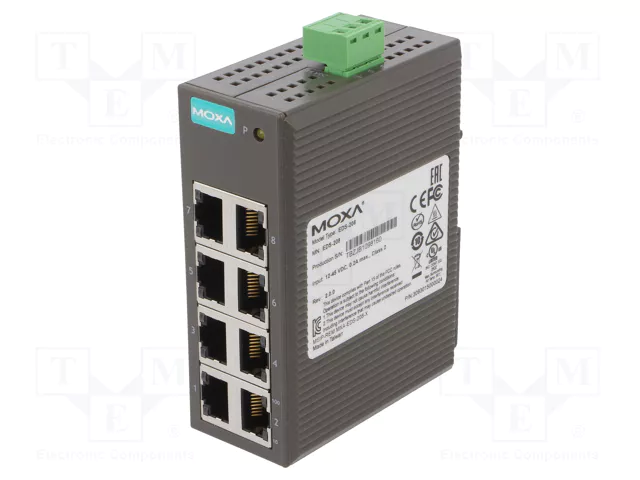
I still see networks where the switch management IP is on the same subnet as the user traffic. Stop doing this. Put all switch management interfaces on a dedicated VLAN (e.g., VLAN 999) that has zero internet access and can only be reached from a specific bastion host or jump box.
I recently set up a client with a strict ACL (Access Control List) that only allows management traffic from a single IP address—their Admin VPN concentrator. Even if an attacker plugs into the wall, they can’t hit the web UI to exploit that frontend logic bug.
3. Monitor ARP and MAC Tables
If someone does manage to exploit a switch, the first thing they’ll often do is ARP poisoning or MAC flooding to intercept traffic. I use a Python script hooked into our SIEM that polls the switches via SNMPv3 (encrypted, please) to watch for new MAC addresses appearing on critical ports.
Here’s a snippet of a script I use to detect if the MAC address count on a port spikes—a classic sign of a flooding attack or a unauthorized bridge:
import snmp_helper # Hypothetical library wrapper
import time

def check_port_security(switch_ip, community_string):
    # OID for dot1dTpPortInFrames or similar metrics
    # This is simplified logic
    baseline_macs = get_mac_table_count(switch_ip)

    time.sleep(60)
    current_macs = get_mac_table_count(switch_ip)

    for port, count in current_macs.items():
        if count > baseline_macs[port] + 5:
            print(f"[ALERT] Port {port} on {switch_ip} saw sudden MAC surge.")
            print(f"Previous: {baseline_macs[port]}, Current: {count}")
            # Trigger webhook to disable port via API
            disable_port(switch_ip, port)

# Real-world note: Adjust threshold based on your environment.
# Office printers are chatty; PLCs are usually static.
My Takeaway
Well, that’s not entirely accurate — we need to stop trusting embedded web servers. Just because a device is expensive and industrial doesn’t mean the code running the web interface is any better than a $20 router from 2015. In fact, it’s often older.
The “Frontend Authorization” vulnerability is lazy coding, plain and simple. But until vendors stop shipping it, your best defense is to treat that management port like it’s radioactive. Isolate it, monitor it, and for the love of all that is holy, don’t expose it to the internet.