The Future is Now: Navigating the Transition to IPv6
For decades, the Internet Protocol version 4 (IPv4) has been the bedrock of computer networking, the silent workhorse powering our digital lives. However, its address space, once thought to be vast, is now exhausted. This limitation has ushered in the era of its successor: Internet Protocol version 6 (IPv6). More than just a simple upgrade, IPv6 is a fundamental redesign of the internet’s core addressing and routing mechanisms, built to accommodate the explosive growth of connected devices, from cloud servers to IoT sensors. For today’s network engineer, DevOps professional, and system administration expert, understanding IPv6 is no longer optional—it’s a critical skill for building scalable, secure, and future-proof network architecture.
The transition to IPv6 is not merely a technical exercise; it’s a strategic imperative. It underpins modern cloud networking, simplifies network design by reducing reliance on complex Network Address Translation (NAT), and enhances security features. For the growing population of remote work professionals and digital nomads, whose productivity relies on seamless global connectivity across a multitude of devices, IPv6 provides the stable and expansive foundation necessary. This article offers a comprehensive deep dive into IPv6, moving from core concepts and practical implementation to advanced techniques and best practices, equipping you with the knowledge to master this essential network protocol.
Section 1: Deconstructing IPv6 – More Than Just a Longer Address
At its core, IPv6 addresses the primary limitation of IPv4: address space. While an IPv4 address is 32 bits long, providing approximately 4.3 billion unique addresses, an IPv6 address is 128 bits long. This expands the available address pool to a staggering 340 undecillion (3.4 x 1038) addresses—enough to assign a unique address to every atom on the surface of the Earth. But the improvements go far beyond sheer numbers.
Understanding the IPv6 Address Format
An IPv6 address is represented as eight groups of four hexadecimal digits, separated by colons. For example: 2001:0db8:85a3:0000:0000:8a2e:0370:7334. To make these lengthy addresses more manageable, two key abbreviation rules apply:
- Leading Zero Omission: Leading zeros within any group can be omitted. So,
0db8becomesdb8, and0370becomes370. - Consecutive Zero Compression: A single, contiguous block of all-zero groups can be replaced by a double colon (
::). This can only be done once per address to avoid ambiguity.
Applying these rules, our example address can be shortened to: 2001:db8:85a3::8a2e:370:7334.
The Python ipaddress library is an excellent tool for working with both IPv4 and IPv6 addresses programmatically, perfect for network automation scripts.
import ipaddress

def process_ipv6_address(addr_str):
    """
    Validates, expands, and compresses an IPv6 address.
    """
    try:
        # Create an IPv6Address object
        ipv6_addr = ipaddress.IPv6Address(addr_str)

        print(f"Original Input: {addr_str}")
        print(f"Address is valid: True")
        print(f"Compressed (Short) Form: {ipv6_addr.compressed}")
        print(f"Expanded (Long) Form: {ipv6_addr.exploded}")
        print(f"Is Global: {ipv6_addr.is_global}")
        print(f"Is Link-Local: {ipv6_addr.is_link_local}")

    except ipaddress.AddressValueError as e:
        print(f"Error processing '{addr_str}': {e}")

# Example with a compressed address
process_ipv6_address("2001:db8::1")

print("-" * 20)

# Example with a full address
process_ipv6_address("fe80:0000:0000:0000:0202:b3ff:fe1e:8329")
Key Address Types and Scopes
IPv6 simplifies address types and eliminates the concept of broadcast addresses, which were often a source of unnecessary network traffic. The primary types are:
- Unicast: An address for a single interface. These include Global Unicast Addresses (GUAs), which are publicly routable on the internet (starting with
2000::/3), and Link-Local Addresses (starting withfe80::/10), which are used for communication only on the local network segment and are not routable. - Multicast: An address for a group of interfaces. A packet sent to a multicast address is delivered to all interfaces in the group. This is used for service discovery and other one-to-many communication patterns, replacing broadcast.
- Anycast: An address assigned to a group of interfaces (typically on different nodes). A packet sent to an anycast address is delivered to just one of the interfaces, usually the “closest” one according to the routing protocol’s definition. This is heavily used by CDNs and for DNS root servers to improve network performance and latency.
Section 2: Practical Implementation and Migration Strategies
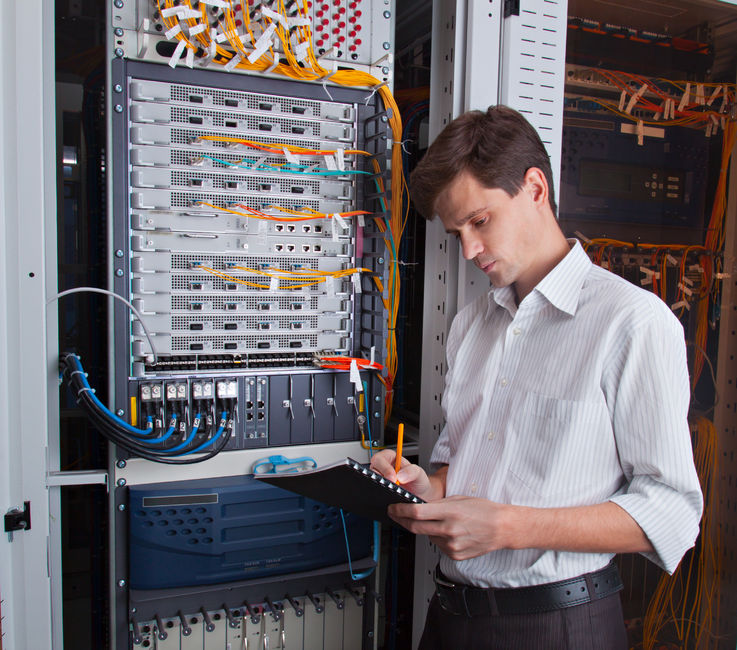
data center server rack with network cables – Network
Migrating an entire network from IPv4 to IPv6 overnight is impractical. Therefore, several transition mechanisms have been developed to allow both protocols to coexist. The most common and recommended approach for modern network design is the dual-stack architecture.
The Dual-Stack Approach
In a dual-stack network, every device—from routers and switches to servers and clients—is configured with both an IPv4 and an IPv6 address. Applications can then communicate using either protocol. The operating system, often using an algorithm called “Happy Eyeballs” (RFC 8305), attempts to connect via both IPv6 and IPv4 simultaneously and uses the one that responds first. This ensures a smooth user experience without connectivity delays. This approach is fundamental for any system administration team planning a gradual rollout.
Stateless Address Autoconfiguration (SLAAC)
One of the most significant administrative benefits of IPv6 is SLAAC. In a typical IPv4 network, addresses are assigned manually or via DHCP. With SLAAC, an IPv6-enabled device can automatically configure its own address without a DHCP server. The process works as follows:
- A device joins the network and sends a “Router Solicitation” multicast message.
- The local router responds with a “Router Advertisement” (RA) message. This message contains the network prefix (the first 64 bits of the address).
- The device takes this 64-bit prefix and combines it with a 64-bit interface identifier that it generates itself, often based on its MAC address (EUI-64 format) or a randomly generated value for privacy.
This dramatically simplifies network administration, especially in large or dynamic environments like Wi-Fi networks or microservices deployments.
You can easily check your system’s IPv6 configuration using standard network commands.
# On Linux, display IPv6 addresses for all interfaces
ip -6 addr show

# --- Sample Output ---
# 1: lo: <LOOPBACK,UP,LOWER_UP> mtu 65536 state UNKNOWN qlen 1000
#     inet6 ::1/128 scope host
#        valid_lft forever preferred_lft forever
# 2: eth0: <BROADCAST,MULTICAST,UP,LOWER_UP> mtu 1500 state UP qlen 1000
#     inet6 2001:db8:1:1:a00:27ff:fe8f:1234/64 scope global dynamic mngtmpaddr noprefixroute
#        valid_lft 2591998sec preferred_lft 604798sec
#     inet6 fe80::a00:27ff:fe8f:1234/64 scope link
#        valid_lft forever preferred_lft forever

# Test IPv6 connectivity to a known host (Google's public DNS)
ping -6 google.com

# --- Sample Output ---
# PING google.com(lhr48s23-in-x0e.1e100.net (2a00:1450:4009:820::200e)) 56 data bytes
# 64 bytes from lhr48s23-in-x0e.1e100.net (2a00:1450:4009:820::200e): icmp_seq=1 ttl=118 time=8.50 ms
Section 3: IPv6 in Cloud-Native and Secure Architectures
IPv6 is not just a protocol for traditional computer networking; it’s a critical enabler for modern, scalable architectures like cloud networking, microservices, and edge computing. Its massive address space eliminates the need for complex NAT gateways, simplifying network design and improving end-to-end connectivity.
IPv6 and Cloud Networking
Major cloud providers have embraced IPv6. In environments like AWS VPC, Azure VNet, or Google Cloud VPC, you can create dual-stack or IPv6-only subnets. This is particularly powerful for large-scale microservices deployments. With IPv6, every container or pod can receive a publicly routable global unicast address. This simplifies service-to-service communication, removes bottlenecks associated with NAT, and makes network troubleshooting with tools like Wireshark more straightforward since you are always dealing with the true source and destination addresses. REST APIs and other web services can be exposed directly over IPv6, providing native connectivity for a growing number of clients and improving network performance.
Here is a basic Python socket server example that listens on an IPv6 address, demonstrating the necessary changes in network programming.
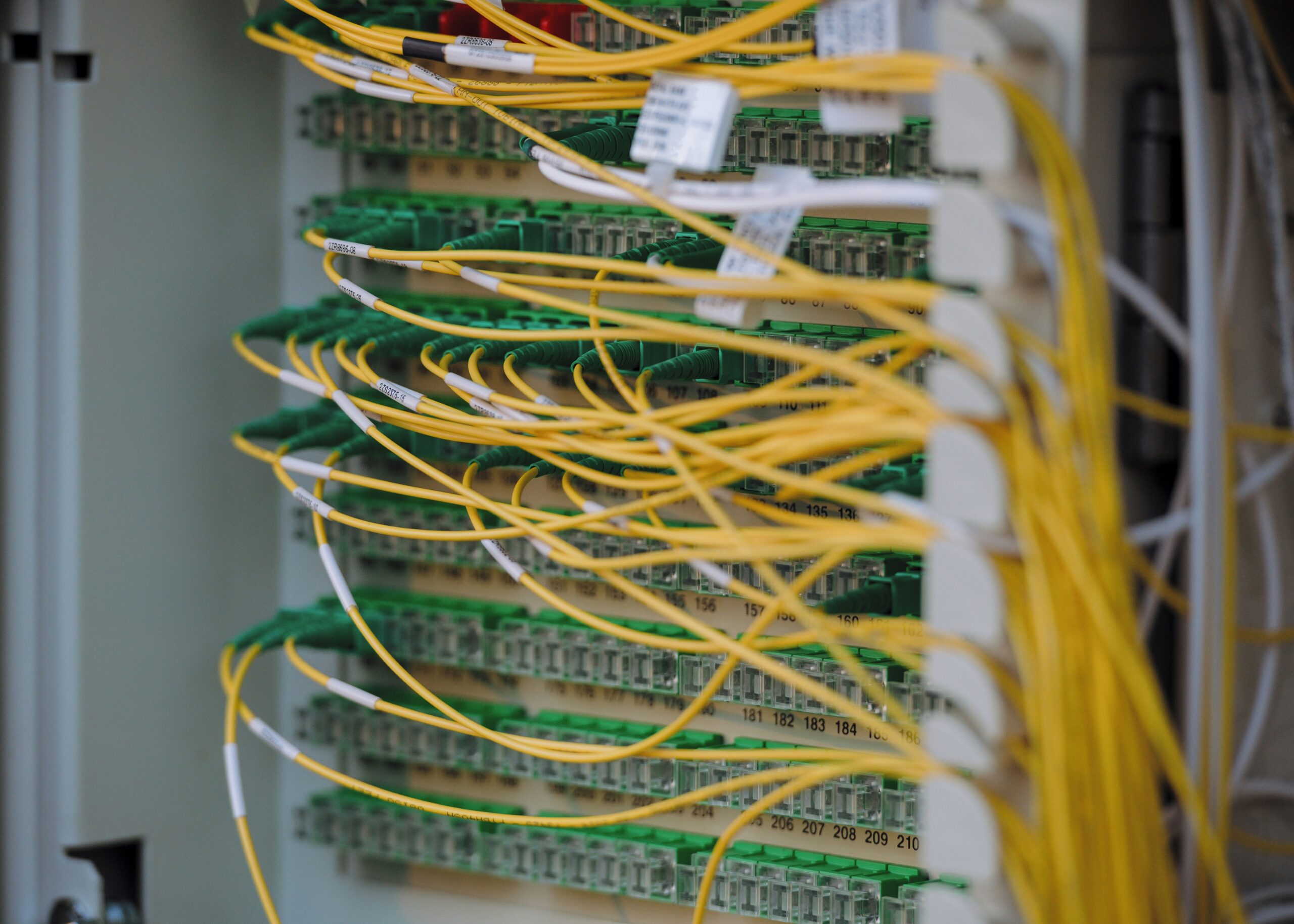
data center server rack with network cables – Fibre optic cables
import socket

# Server configuration
HOST = "::"  # Listen on all available IPv6 interfaces
PORT = 8080
BUFFER_SIZE = 1024

def start_ipv6_server():
    """
    Creates and runs a simple TCP echo server over IPv6.
    """
    # Use AF_INET6 for IPv6 socket family
    with socket.socket(socket.AF_INET6, socket.SOCK_STREAM) as server_socket:
        # Set socket option to allow reusing the address
        server_socket.setsockopt(socket.SOL_SOCKET, socket.SO_REUSEADDR, 1)

        server_socket.bind((HOST, PORT))
        server_socket.listen()

        print(f"[*] IPv6 Server listening on [{HOST}]:{PORT}")

        conn, addr = server_socket.accept()
        with conn:
            print(f"[+] Connected by {addr}")
            while True:
                data = conn.recv(BUFFER_SIZE)
                if not data:
                    break
                print(f"[<-] Received: {data.decode('utf-8')}")
                # Echo the data back to the client
                conn.sendall(data)

if __name__ == "__main__":
    start_ipv6_server()
Network Security in an IPv6 World
The move to IPv6 requires a shift in security mindset. For years, many network administrators relied on NAT as a form of implicit security—a “de facto firewall” that hid internal IPv4 addresses. With IPv6, every device can have a public address, making a robust, explicit firewall policy essential. All traffic to and from a host must be controlled by stateful firewall rules.
Furthermore, ICMPv6 (the IPv6 version of the Internet Control Message Protocol) is far more integral to the protocol’s operation than ICMP was for IPv4. It handles critical functions like Neighbor Discovery (the replacement for ARP) and SLAAC. Blindly blocking all ICMPv6 traffic, a common but misguided practice in IPv4 security, will break IPv6 connectivity. Firewalls must be configured to allow essential ICMPv6 types while blocking potentially harmful ones.
Here is an example of basic `ip6tables` rules for a Linux server to allow established connections and essential ICMPv6 traffic while dropping all other incoming traffic.
#!/bin/bash

# Flush all existing rules
ip6tables -F
ip6tables -X

# Set default policy to DROP for incoming traffic
ip6tables -P INPUT DROP
ip6tables -P FORWARD DROP
ip6tables -P OUTPUT ACCEPT # Allow all outgoing traffic

# Allow loopback traffic
ip6tables -A INPUT -i lo -j ACCEPT

# Allow established and related incoming connections
ip6tables -A INPUT -m conntrack --ctstate ESTABLISHED,RELATED -j ACCEPT

# Allow essential ICMPv6 messages for network operation
# Echo Request (ping)
ip6tables -A INPUT -p icmpv6 --icmpv6-type echo-request -j ACCEPT
# Router Solicitation/Advertisement & Neighbor Solicitation/Advertisement
ip6tables -A INPUT -p icmpv6 --icmpv6-type 133 -j ACCEPT
ip6tables -A INPUT -p icmpv6 --icmpv6-type 134 -j ACCEPT
ip6tables -A INPUT -p icmpv6 --icmpv6-type 135 -j ACCEPT
ip6tables -A INPUT -p icmpv6 --icmpv6-type 136 -j ACCEPT

# Allow specific services, e.g., SSH (port 22) and HTTPS (port 443)
ip6tables -A INPUT -p tcp --dport 22 -j ACCEPT
ip6tables -A INPUT -p tcp --dport 443 -j ACCEPT

# Save the rules (command varies by distribution)
# For Debian/Ubuntu:
# apt-get install iptables-persistent
# netfilter-persistent save
# For RHEL/CentOS:
# service ip6tables save

echo "IPv6 firewall rules applied."
Section 4: Best Practices, Optimization, and Troubleshooting
Successfully deploying and managing an IPv6 network requires adherence to best practices and familiarity with the right network tools.
DNS and Application Readiness
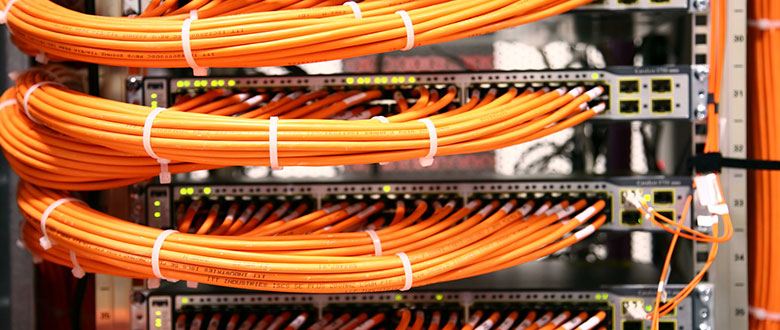
data center server rack with network cables – Cables and wires
DNS is the glue that holds a dual-stack internet together. For a host to be reachable over IPv6, it must have a corresponding AAAA record (quad-A record) in its DNS zone, in addition to its IPv4 A record. When a client wants to connect, it will query the DNS for both A and AAAA records. Ensuring your DNS protocol infrastructure is fully IPv6-aware is a critical first step.
From a development perspective, ensure your applications and network libraries are IPv6-compatible. Most modern frameworks and languages handle this transparently, but older or custom-built network code may have hardcoded assumptions about IPv4 addresses. Always test your applications in an IPv6-only environment to uncover hidden dependencies.
Monitoring and Troubleshooting
Network troubleshooting in an IPv6 environment uses familiar concepts with slightly different tools. Instead of `ping`, you use `ping6` or `ping -6`. Instead of `traceroute`, you use `traceroute6`. For deep packet analysis, Wireshark provides excellent support for dissecting IPv6 headers and its extension headers, which is invaluable for diagnosing complex connectivity issues related to routing, fragmentation, or security. Effective network monitoring solutions must be configured to track IPv6 traffic, monitor latency, and measure bandwidth utilization separately from IPv4 to get a complete picture of network performance.
Key Takeaways for a Smooth Transition
- Start with a Dual-Stack Rollout: Implement IPv6 alongside IPv4 to minimize disruption.
- Audit Your Infrastructure: Ensure all network devices, from routers and firewalls to load balancers, fully support IPv6.
- Update Security Policies: Move from an implicit-deny NAT mindset to an explicit-allow firewall model. Do not block essential ICMPv6 traffic.
- Configure DNS Correctly: Populate AAAA records for all services you want to be accessible over IPv6.
- Educate Your Team: Ensure your network engineers, developers, and system administrators are trained on IPv6 addressing, subnetting, and troubleshooting.
Conclusion: Embracing the Future of Networking
IPv6 is no longer a technology of the future; it is a present-day reality and a cornerstone of modern network architecture. Its adoption is accelerating across the globe, driven by the demands of cloud computing, IoT, and mobile devices. By providing a virtually limitless address space, simplifying network management with features like SLAAC, and enabling true end-to-end connectivity, IPv6 lays the foundation for the next generation of internet innovation. For any organization or technology professional, the time to plan, implement, and master IPv6 is now. Begin by auditing your current infrastructure, starting a pilot project in a lab or development environment, and building the skills necessary to navigate this essential evolution of the TCP/IP suite. The journey to full IPv6 adoption is a marathon, not a sprint, but one that is critical for future growth and scalability.